What Is a Graphic Pen and Which Type Is Best for Drawing?
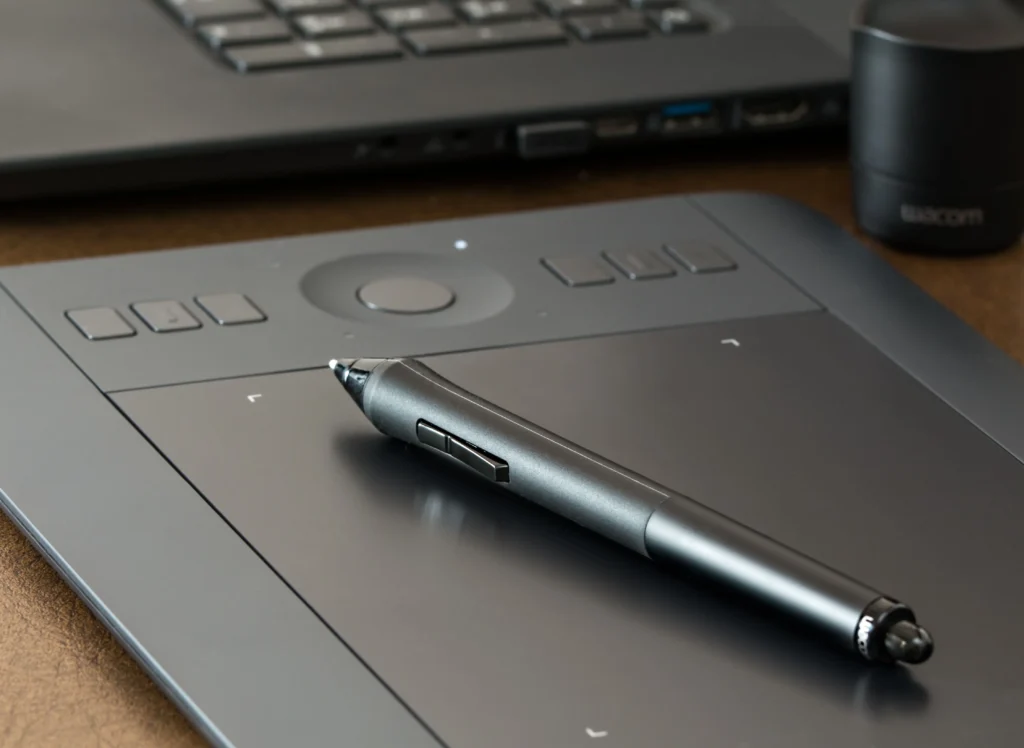
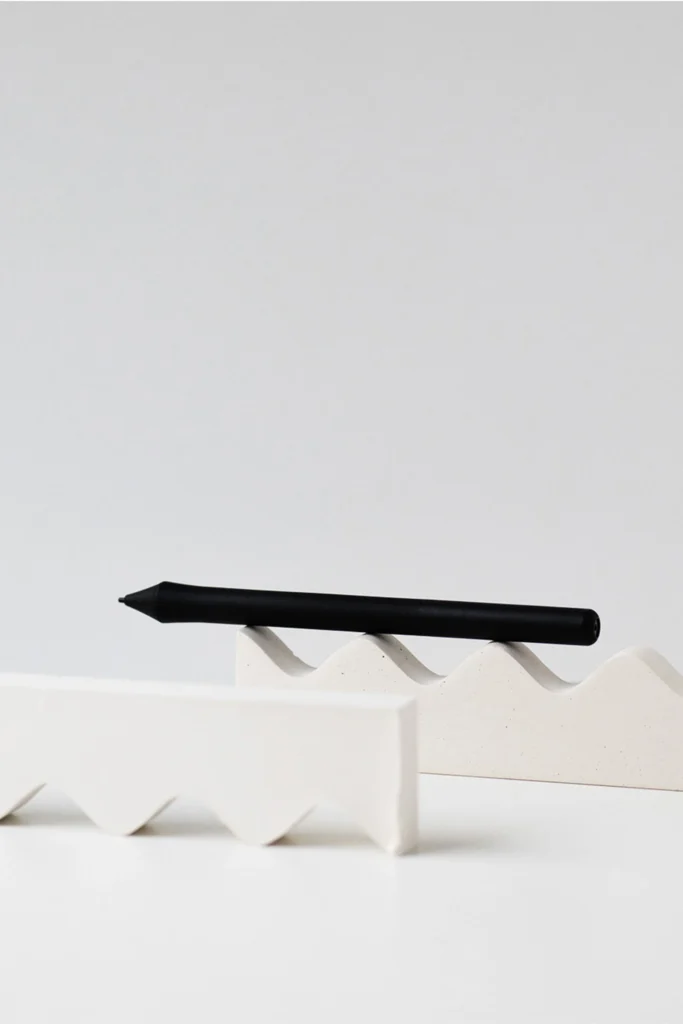
A graphic pen or drawing pen is a digital stylus that resembles a pen or brush that can be used to create precise lines and also include some effects of traditional painting or drawing. Professionals use these digital pens for creating illustrations, for animation, photo editing and also other technical designing. When choosing the best graphic pen for yourself there are several factors to take into consideration including the pressure sensitivity, the amount of tilt response and also what type of software or tablets it will be compatible with. As an artist, you are going to want a digital pen that will consistently allow you to draw with the same line weight and as little lag as possible. A good graphic pen will naturally rest in your hand and will transfer all of the fine strokes and detail to your digital work.
What Makes a Graphic Pen Different From a Regular Stylus?
Most graphic pens are complex devices designed to be as accurate as possible while providing the user with as much artistic freedom as possible. This means that they can contain all sorts of sensors, including those that detect pressure, tilt and even whether the pen is being used in an upright or inverted position. This enables artists to create lines that vary in width and to produce a variety of different shades.
Pressure Sensitivity Levels
Pressure sensitivity is a measure of how fine a line a tablet can pick up in relation to how hard you press down on it with your pen. High-end drawing tablets have up to 8,192 levels of pressure sensitivity or more, allowing for very fine changes in the opacity and width of lines and brushes. Professional illustrators for example can use their tablets to draw very fine lines to create the look of a pencil or even simulate how different inks would flow.
Tilt Recognition Technology
Tilt recognition allows for very nice shading similar to a normal pencil when holding the pen at an angle. Such behavior is very powerful in software like Adobe Photoshop or Corel Painter, because all movements of the pen are immediately transferred to the brush on screen.
Battery-Free vs Rechargeable Pens
Battery-free pens are typically made use of in conjunction with tablets that utilize Electromagnetic Resonance (EMR) technology, such as Wacom’s Intuos range of graphics tablets. Rechargeable pens with customizable buttons are also available, but will need to be recharged from time to time – the artist then has the choice between pens that offer uninterrupted use for long periods of time and those that have additional features that can be of use.
How Does Pressure Sensitivity Affect Digital Drawing?
Digital brush parameters change depending on how hard you press on the touch surface. The pressure sensitivity function influences line density, the degree to which lines are transparent, and texture characteristics. This function enables all static lines and painting strokes to be expressive, such as those found when using charcoal or watercolor painting.
Line Weight Control
High sensitivity pens record all the variations in applied pressure very finely, and draw lines with a very natural feel. This makes them very suitable for comic artists and for example architectural designers, because of the less need for subsequent editing.
Opacity and Flow Adjustments
Software interprets pressure to change opacity automatically. Light touch for transparent colors, firm pressure for deeper and more saturated colors, as if painting with real brushes. No need for any physical media.
Texture Simulation
With advanced graphics software, pressure from the stylus can be mapped to a specific texture or even to a set of texture profiles. Therefore, the traditional texture of paper or the hard and soft bristles of different brushes can be replicated exactly on the screen, something previously only possible with traditional media.
Which Types of Graphic Pens Are Available Today?
The market is segmented into 3 categories of graphic pens that use different technologies to translate marks onto paper into digital formats. First, there are the graphic pens based on EMR technologies that are operated in a completely battery-free manner. There are also active rechargeable styluses that, once charged, function as normal graphic pens. In addition, there are Bluetooth-connected smart pens that convert paper drawings automatically to digital formats.
EMR-Based Pens
This drawing pen does not require a power source to be incorporated in the pen itself. The tablet’s magnetic field powers the pen wirelessly. This lightweight pen is excellent for long working hours because it does not need to be charged.
Active Rechargeable Styluses
Rechargeable styluses are equipped with internal batteries. These enable a higher signal quality and new ways of customization, such as shortcut buttons or different pressure curves.
Smart Digital Pens
Smart pens are a technology that captures your work of drawing on real paper by sensors in the pen, then it sends them to your devices by Bluetooth. Such products combine traditional sketching with digital work flow and they are used by a niche but fast growing group of artists who work in a hybrid way between traditional and digital media.
What Features Should Professionals Look For in a Graphic Pen?
When choosing products for daily work, professionals examine aspects such as comfort, consistency in use, and fit with existing hardware and in other environments. Minor differences in ergonomic design can significantly impact how many hours a day a product is used.
Ergonomic Design
The shape of the grip of a mouse is just as important as the technology behind it. Especially the rubberized grip allows for relief during long working hours. Balanced weight distribution is another minor detail which has a huge influence on people who work full time as an illustrator. After 8 hours it can make a huge difference.
Customizable Buttons
Side buttons for example allow a quicker access to actions like undo or even a switch to another brush without having to reach for the keyboard. And as has been already explained before even in the context of an animation pipeline these few seconds which you have to keep pressing for example in order to undo something, can add up dramatically in the end to a massive productivity gain.
Compatibility With Software Ecosystems
Not all pens are equally compatible with different platforms. Wacom’s Pro Pen 3 for example is optimally designed to work with Photoshop’s brush engine. Many XP-Pen products work smoothly with Clip Studio Paint. Apple Pencil can even sync between different applications on iPadOS – including Procreate.
How Do Graphic Pens Compare Across Brands?
Each brand has a number of strengths – Wacom focusing on the highest quality of precision in its hardware, Huion bringing affordability to a traditionally high end market, Apple combining its range of software with its hardware to create a fully integrated and seamless ecosystem for its users, and XP-Pen aiming to offer the best possible price performance ratio in the market place.
Wacom Series Overview
Wacom’s Pro Pen 2 is still one of the professionals’ most-used tools, as the stable calibration of the tool and the low parallax error between nib tip and cursor position allows for high-quality retouching on a pixel level.
Huion Alternatives
Combine any Huion Kamvas drawing tablet with a PW517 pen for an very Wacom like performance at more affordable prices than those of the market leader Wacom and also both features PW517 pens and all other compatible pens are completely battery-free which is very important for any freelance artists that need a solid reliable device for their workflow on a daily basis and can’t afford to change the pens every now and then due to run out of battery power.
Apple Pencil Integration
Apple Pencil is used most by mobile illustrators within the iPad ecosystem. The low latency of the Pencil (as little as 9ms) and high palm rejection accuracy make it the tool of choice over the possibility of modularity of use that other pencils offer.
Why Does Tablet Compatibility Matter When Choosing a Pen?
How well a graphic pen performs is determined by a combination of the tablet’s sensor resolution and the firmware of the pen. Even the best pens are let down by incompatible hardware, because of signal interference or because of drivers that are not optimized for the pen.
Display Resolution Synchronization
High-resolution displays demand precise mapping between screen pixels and pen coordinates; otherwise lines appear offset during fast movements—a common issue in budget tablets lacking calibration tools.
Driver Stability and Updates
Regular driver updates maintain responsiveness across OS versions like Windows 11 or macOS Sonoma. Brands with strong support ecosystems reduce downtime caused by system conflicts after updates.
Latency Performance Metrics
The latency of under 20 milliseconds ensures that the stroke is rendered in real time without a visible delay between the motion and the output. Flagship devices from the Wacom MobileStudio Pro series or latest Apple Pencil Gen 2 setups also achieve this benchmark.
FAQ
Q1. What is the primary distinction between a graphic pen and a stylus? A. Graphic pens are able to detect a wide array of pressures enabling greater control of line. Styluses, on the other hand, are principally for tasks of navigation such as tapping or scrolling on screens.
Q2: Do all tablets support every graphic pen? A: No, since every manufacturer uses proprietary sensing technologies. There is only one model of tablet that a given pen will work with.
Q3: How often should nibs be replaced? A: Frequent users typically replace nibs every few months depending on surface friction; smoother glass screens wear them slower than textured ones.
Q4: Is Bluetooth connectivity necessary for drawing? A: No, unless drawing with smart paper-based systems then Bluetooth connection does not affect stroke accuracy but rather wirelessly transfers data as compared to wired connection.
Q5: Are graphic pens for beginners best served with professional-grade graphic pens? A: Yes. Even advanced features can be learned and the beginner can benefit from use of graphic pens with starting with a mid-range model to develop skill prior to graduating to the highest end models.