Can a Notebook Workstation Really Make Your Desk More Productive?
What Makes a Notebook Workstation Worth Setting Up?
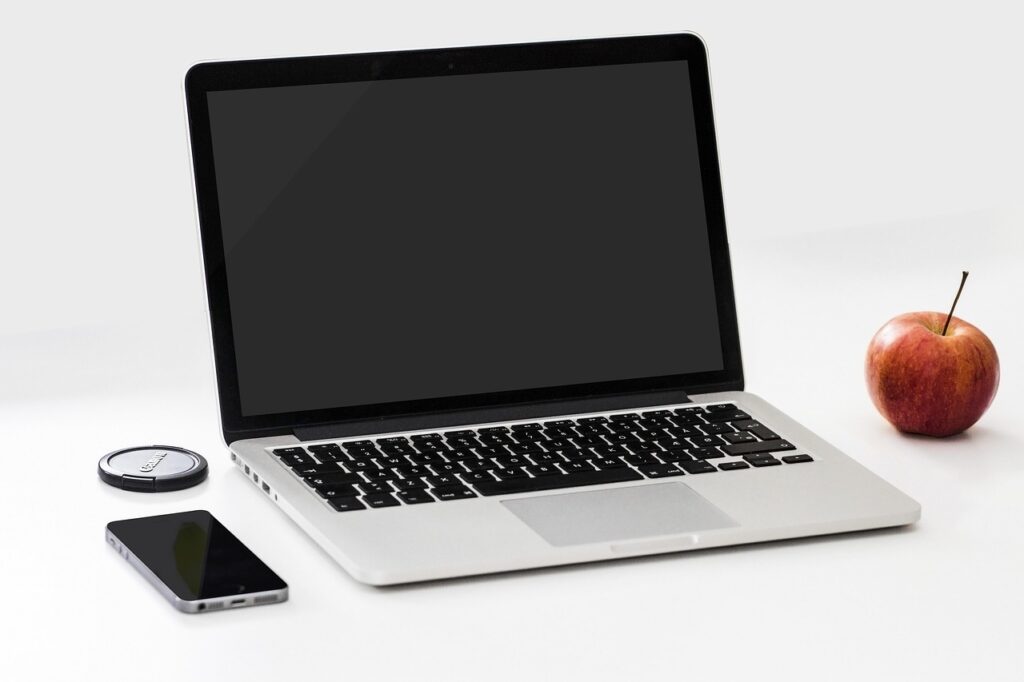
A notebook workstation is a plain desk setup where your paper notebook does not sit under cables, coffee cups, and old receipts. It has its own place, its own job, and the basic tools next to it. For students, office teams, buyers, designers, and home workers, this small change can make daily work feel less mixed up. If you are choosing notebooks for this kind of setup, the notebook collection is a useful place to start because format, binding, and paper feel all matter when a notebook becomes part of your workstation.
This is not only about making a desk look tidy. The U.S. Bureau of Labor Statistics reported in June 2024 that, in 2023, 35 percent of employed people did some or all of their work at home on days they worked. The U.S. Census Bureau also reported in January 2025 that 13.8 percent of U.S. workers usually worked from home in 2023, more than twice the 5.7 percent share in 2019. Many desks now handle screen work, calls, planning, and handwritten notes in the same space. A paper notebook needs a real place in that workflow, not whatever empty corner is left. (bls.gov)
A Paper Zone Beside the Screen
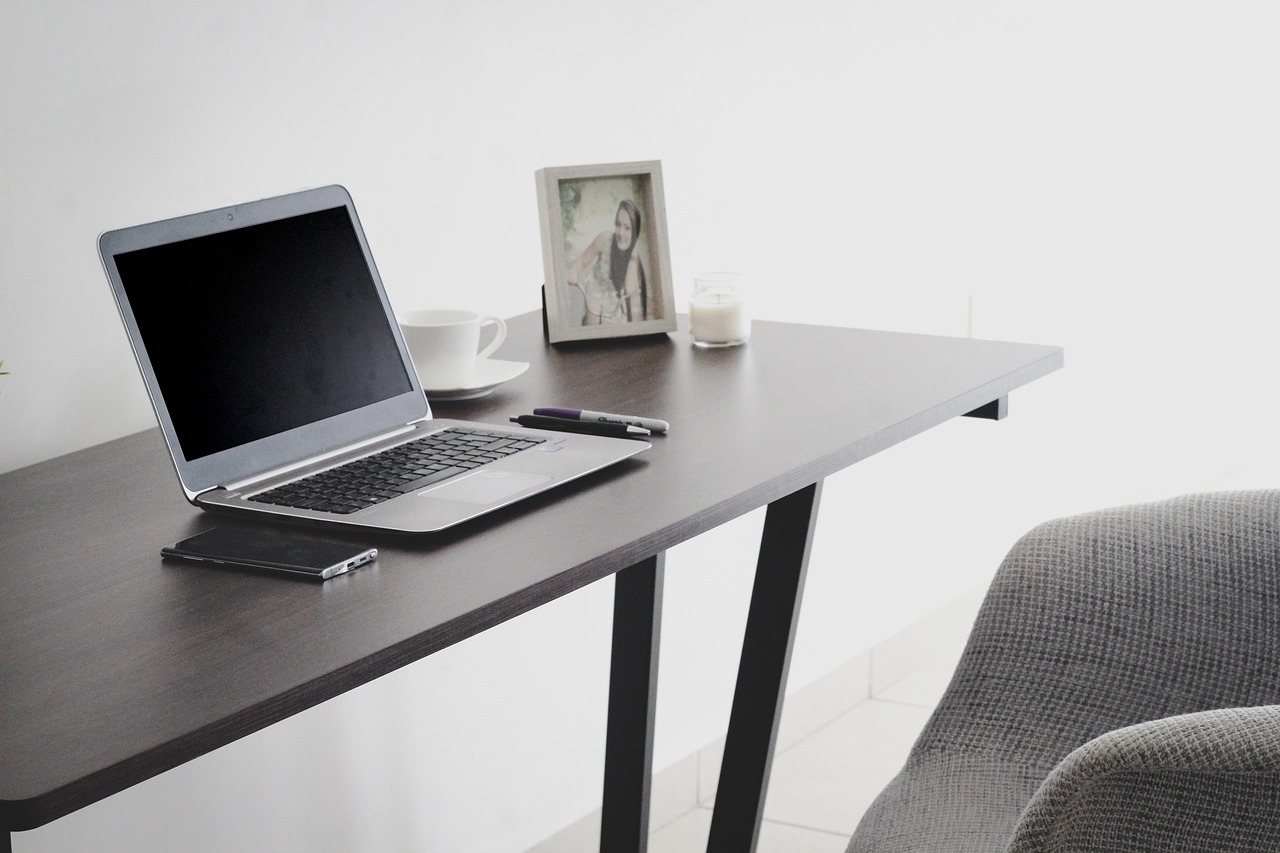
A useful notebook workstation gives your notebook its own zone beside the keyboard or below the monitor. That space should fit a full open spread, not just the edge of one page. When your notebook lies flat and stays close, you can write a meeting quote, sketch a rough layout, or note a packing detail without clearing the desk first. It sounds basic, and in daily office work, that is exactly why it works.
A Clear Path from Thought to Action
A notebook is most useful when a thought can go straight onto paper. You hear a product size, a delivery date, or a design change, and you write it down before it gets lost in the call. Later, that note can become an email, purchase order, sample request, or checklist. A cluttered desk slows that path, while a planned workstation keeps it short.
A Small Setup That Travels Well
Your workstation does not need to be a large desk system. A notebook, two pens, sticky tabs, and a small document folder can move from office to warehouse to home table. For export sales or sourcing work, this is useful because the job often moves during the day. A buyer may check samples in one room and confirm carton notes in another, so a simple notebook kit can follow the work.
How Should You Place Your Notebook, Screen, and Tools?
Desk layout decides whether your notebook feels useful or gets in the way. OSHA’s Computer Workstations eTool lists practical points for computer work, including placing the top of the monitor at or just below eye level, keeping the head and neck balanced, supporting the lower back, keeping wrists and hands in line with forearms, and leaving adequate room for the keyboard and mouse. Those points are about comfort, but they also help set the notebook zone. If the notebook pulls your shoulders forward or pushes the mouse too far away, the setup needs adjustment. (osha.gov)
The Screen Stays Forward
Place the monitor straight in front of your main sitting position. The screen is usually the anchor because your eyes keep coming back to it. A notebook should support that work, not make your body turn sideways for hours. If you use a laptop, a stand plus an external keyboard can open up space below the screen. That lower space often works well as a writing area.
The Notebook Sits in the Active Hand Zone
Put the notebook on the side of your writing hand or just below the keyboard. Right handed users often prefer the notebook slightly to the right. Left handed users may prefer the left side, with the pen above the page to avoid a tight wrist position. If you write while looking at the screen, try turning the page about 30 degrees because it usually feels more natural than a square page.
Pens, Tabs, and Sticky Notes Stay Close
A notebook workstation does not need many tools. Two pens are usually enough: one dark ink pen for normal writing and one color pen for marks. Sticky tabs are helpful if you track projects, samples, or weekly plans. Keep these items in a small tray, cup, or fabric pouch, because once supplies start moving around the desk, the habit becomes harder to keep.
Which Notebook Format Fits Your Workday?
Notebook size is not just a design choice. It affects how much you can see, how often you carry the book, and how well it fits beside a keyboard. The right format depends on the workday in front of you. A sales rep on calls, a student in class, and a purchasing manager checking line sheets will not use pages in the same way. A nice cover helps at first, but the page layout matters more after the first week.
A5 for Portable Daily Notes
A5 is a practical daily size because it fits in a bag but still gives enough room for meeting notes and task lists. It works well for people who move between rooms or write short notes throughout the day. You can use one page per day, or split a page into calls, tasks, and follow ups. If your notes are mostly short and action based, A5 usually does not waste much space.
B5 or Composition Size for Mixed Work
B5 and composition style notebooks give more room for mixed notes. You can write a meeting summary on one side and draw a quick product table on the other. This size fits many office desks because it feels open without taking over the work surface. For office buyers, teachers, and project staff, it is often a comfortable middle size.
A4 or Letter Size for Project Planning
A4 or letter size is better for broad planning, sample records, training notes, and visual layouts. The wider page gives space for columns, pasted labels, and quick diagrams. It is not as easy to carry, but it works well at a fixed desk. If your notebook workstation supports project work, one large notebook beside a smaller daily book can be a sensible setup.
How Can Handwritten Notes Support Focus?
Handwriting has a different pace from typing. That does not mean paper is special in every case, and it does not mean laptops are a bad tool. Each one has its own use. In a 2014 Psychological Science paper, Pam A. Mueller and Daniel M. Oppenheimer reported that students who took laptop notes performed worse on conceptual questions than students who took longhand notes, partly because laptop users tended to transcribe more directly. A 2024 Frontiers in Psychology study recorded brain electrical activity in 36 university students and found broader connectivity during handwriting than typewriting tasks. In plain terms, paper notes can help with selection, movement, and memory cues, especially when you use them to think instead of copying everything word for word. (psychologicalscience.org)
Active Selection Instead of Copying
Typing is fast, and sometimes that is useful. The problem is that fast notes can turn into a long block of text that nobody wants to review later. A paper notebook slows you down enough to choose what matters. You write the decision, the reason, the number, and the next step, such as “change cover stock to 300 gsm” instead of writing out the full discussion.
Visual Cues That Help Recall
Paper pages give you small visual markers. It might be a circled deadline in the top right corner, a sketch near the middle, or a red tab on a sample page. These cues make it easier to find the right note later. A notebook workstation helps keep those cues consistent because the same pens, tabs, and page system stay within reach.
Fewer Tabs and Less Noise
A notebook does not ping, refresh, or sit behind another window. During a call, that quiet space can help you listen better. Write the three points that matter and keep your attention on the person speaking. After the call, move only the real tasks into your digital system, so the notebook works as a simple filter. See also: Gift Guide.
What Buying Details Matter for a Notebook Workstation?
Once a notebook becomes part of a daily desk system, small product details start to matter. Paper that bleeds through, a binding that closes by itself, or ruling that feels too dark can stop people from using it. For retailers, wholesalers, and company buyers, these points also affect repeat orders. A customer may try one good-looking but awkward notebook once, but they usually will not reorder it.
Paper Weight and Pen Match
Choose paper based on the pens people are likely to use. Ballpoint pens work on many paper types, while gel pens and fountain pens need better resistance to feathering and show through. For office notebooks, paper in the middle weight range often gives a workable balance of cost, feel, and daily use. If samples are available, test both sides of a page with normal writing pressure before placing a bulk order.
Binding That Lies Flat
A notebook workstation works better with a notebook that stays open. Spiral binding is practical for training rooms, labs, and counters because the page can fold back. Sewn or glued bindings can look more formal, but they still need to open comfortably. If users have to hold the page down with one hand, the notebook is already taking attention away from the work.
Covers, Ruling, and Page Count
Hard covers protect pages in bags and shared work areas. Soft covers feel lighter and may cost less for bulk orders. Lined pages suit meeting notes, dotted pages suit layouts, and grid pages suit tables. Page count depends on how often users want a fresh book, so a 96 page notebook may fit a monthly cycle while a thicker book may suit a full semester or project season.
How Do You Keep the Setup Useful Every Day?
The real test of a notebook workstation is not how it looks on Monday morning. The test comes two weeks later, when the desk is busy and time is short. A setup stays useful when it has simple rules. They do not need to be perfect; they only need to be clear enough to return to after a messy day.
A Five Minute Start Routine
Start the day by opening the notebook to a clean page. Write the date, three priority tasks, and one reminder you do not want to lose. Put your pen back in the same place after writing. This small routine tells you where today’s work is recorded, and it also keeps loose sticky notes from becoming a second, less reliable notebook.
A Simple Page System
Use marks that are easy to repeat. A square can mean task, a circle can mean waiting, and a star can mean important. At the end of the day, scan the page and move unfinished tasks forward. Do not build a code system with ten symbols unless you truly like that method, because most desks need speed more than decoration.
A Weekly Reset
Once a week, clear the notebook area. Remove old cups, dead pens, loose packaging slips, and random sample tags. Review the last few pages and mark anything still open. This reset takes less time than looking for lost notes during a deadline, and Friday afternoon works well if you have a quiet 10 minute slot.
FAQ
Q1: What Is a Notebook Workstation? A: It is a desk setup that gives your paper notebook a fixed place beside your screen, keyboard, pens, and daily tools so written notes can support real work.
Q2: Is a Paper Notebook Better Than Digital Notes? A: Not always. Paper is useful for quick selection, sketches, planning, and focus. Digital notes work better for search, sharing, and long records. Many people use both.
Q3: What Notebook Size Is Best for a Workstation? A: A5 works well for portable daily notes, B5 or composition size fits mixed office work, and A4 or letter size is useful for project planning.
Q4: How Many Pens Should Stay on the Desk? A: Two or three are enough for most setups. Use one main writing pen, one color pen for marks, and possibly a pencil if you sketch or draft.
Q5: How Can You Stop a Notebook Workstation from Getting Messy? A: Keep one fixed notebook zone, use a small tray for pens and tabs, start each day on a dated page, and do a short weekly reset.