Can a Lenovo Notebook Replace a Paper Notebook for Work and Study?
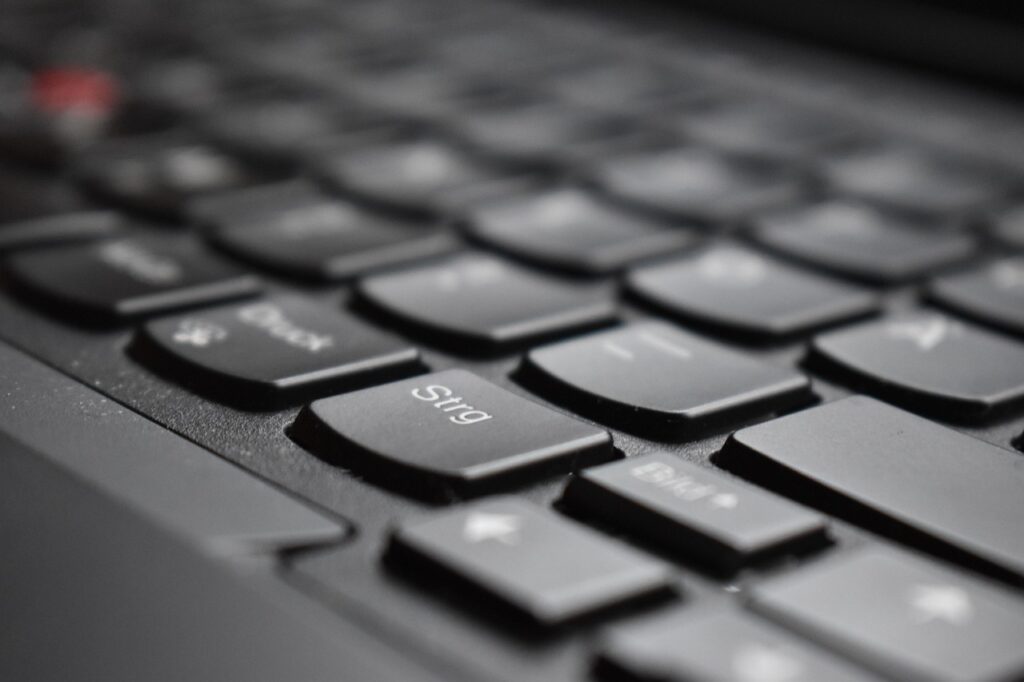
A lenovo notebook is often the main tool on a work desk or student table. People use it for email, online classes, spreadsheets, design files, video calls, order records, and many browser tabs opened at the same time. A paper notebook still keeps a steady role beside it, because quick ideas, meeting notes, rough sketches, and short reminders do not always need software. If you use the notebook category to plan school, office, or desk supplies, the better question is not which one wins. The more useful question is what job each one should handle.
This article compares a Lenovo notebook laptop with a paper notebook from a buyer’s point of view. Public data gives some background: Gartner reported in April 2026 that Lenovo led worldwide PC vendor shipments in the first quarter of 2026, and education data from the National Center for Education Statistics shows that laptops are now common in schools. At the same time, note-taking research points to a simple fact that many office workers and students already know. Typing more words does not always mean better understanding, so paper still has a place on the desk.
The Laptop Handles Heavy Digital Work
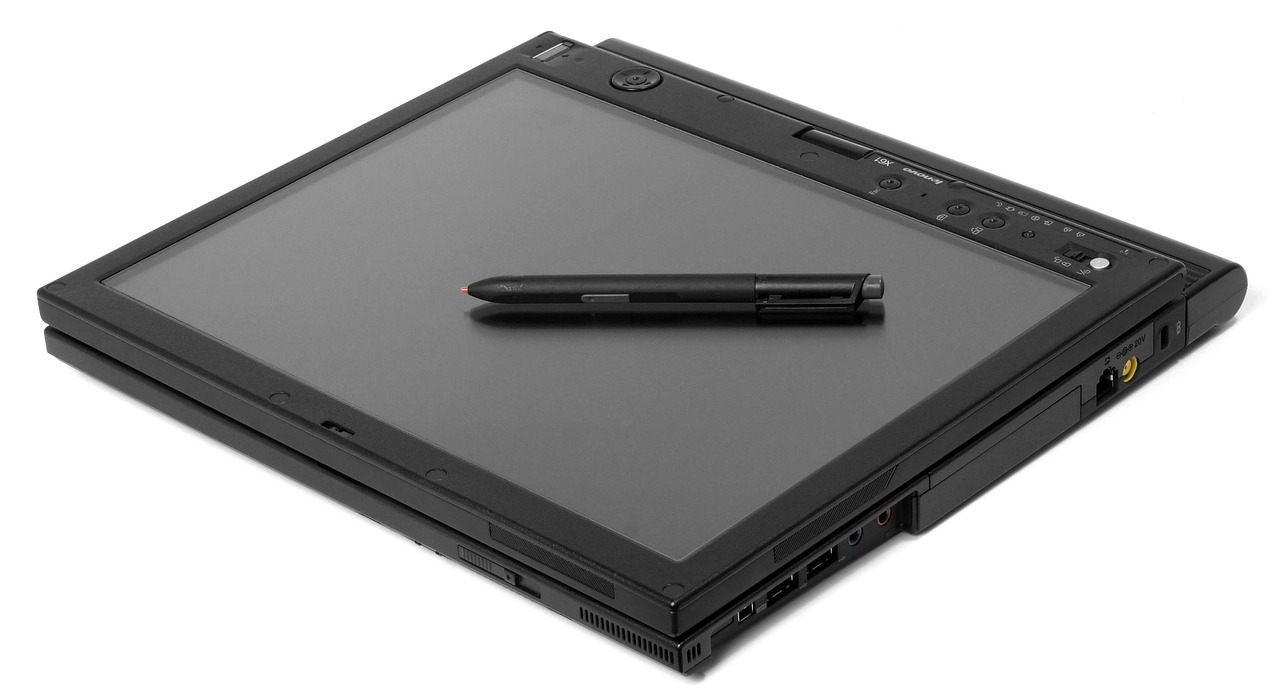
A Lenovo notebook is made for work that paper cannot handle. You can search files, join calls, edit slides, manage orders, check inventory, and send documents to clients without changing tools.
For cross-border trade, product sourcing, and daily office work, the laptop is where most records are stored. Paper can help you prepare those tasks, but it cannot replace file storage, cloud sharing, or fast team edits.
The Paper Notebook Catches Fast Human Notes
Paper is useful when an idea is small, rough, or easy to forget. A phone number, a sample size, a supplier name, a price from a call, or a quick packaging sketch is often faster to write by hand.
There is no boot time, no password, no update screen, and no extra tab waiting for your attention. That simple use is the reason many buyers still keep paper notebooks in meeting rooms, warehouses, and classrooms.
The Best Setup Uses Both
The most workable daily setup is usually a mixed one. Use the Lenovo notebook for finished files, searchable records, email, reporting, and communication.
Use the paper notebook for capture, first plans, and decisions before they become formal records. It may sound old, but many good office habits are plain and repeatable.
Why Is a Lenovo Notebook Still a Safe Choice in 2026?
Buying a laptop in 2026 is not only about brand preference. It also depends on supply, operating system support, component costs, service access, and the kind of work you need to do. Public industry data is useful when you buy for a team, a school, or a home office with regular daily use.
Gartner Shows Lenovo Leads PC Shipments
Gartner reported in April 2026 that worldwide PC shipments reached 62.8 million units in Q1 2026, up 4.0% year over year. In the same report, Lenovo ranked first with 16.645 million units shipped and a 26.5% market share.
The buyer’s takeaway is straightforward. Lenovo is not a small-market choice, and large shipment volume often means more service points, more familiar parts, and more model choices for business, student, and home use.
IDC Signals Buy Timing Matters
IDC reported in 2026 that Q1 global PC shipments reached 65.6 million units. It also forecast a full-year 2026 PC shipment decline of 11.3% and an 18.3% rise in average selling prices.
The pressure came from memory and storage costs, along with weaker consumer buying power in some markets. For buyers, this does not mean rushing into an order. It means checking prices early, confirming stock, and avoiding a last-minute purchase when a class, project, or office rollout has already started.
Windows Support Keeps Daily Work Simple
Most Lenovo notebooks run Windows, and this still matters in many offices. Excel files, shared drives, accounting tools, printers, barcode systems, and meeting apps are often built around that environment.
StatCounter reported in June 2026 that Windows held 56.61% of worldwide desktop operating system share. That does not make Windows perfect, but it does make compatibility a clear reason many buyers choose a Lenovo notebook for work and study.
Where Does a Paper Notebook Still Beat a Lenovo Notebook?
A laptop has more power, but power is not the same as attention. Some tasks need speed, storage, and sharing. Other tasks need quiet thinking, low friction, and fewer buttons. In those cases, a paper notebook can beat even a good Lenovo notebook in daily use.
Meetings Feel More Personal on Paper
In a client meeting, typing can look like you are checking email, even when you are taking careful notes. Paper feels more direct because the action is clear to the person across the table.
You look up, listen, write a few words, and return to the conversation. For sales visits, teacher conferences, interviews, and supplier talks, that small detail can help. People may not mention it, but they do notice screens.
Longhand Notes Slow You Down in a Useful Way
Research on laptop and longhand note taking is more mixed than many short blog posts suggest. A 2021 Psychological Science direct replication used 74 laptop note takers and 68 longhand note takers.
Laptop users wrote more words and more verbatim text, but they did not perform better on the quiz. The practical point is simple: typing captures more volume, while handwriting pushes you to pick the main points. Neither tool solves the problem by itself.
Paper Works When Batteries and Wi-Fi Do Not
A paper notebook does not depend on battery health, airport outlets, weak Wi-Fi, or a charger left in a hotel room. It is ready as soon as you open it.
It also works beside machinery, inside a warehouse aisle, on a school field trip, or during a quick stock check. A pocket-size notebook can take bumps and dust that an expensive laptop should avoid.
How Should You Pick a Lenovo Notebook for Your Real Routine?
The right Lenovo notebook depends less on a product page and more on your normal day. A student crossing campus, a buyer checking product sheets, and a designer working with large images do not need the same machine. Start with the routine first, then look at the specs.
Students Need Portability Before Extra Power
For students, weight and battery life often matter more than high-end performance. The National Center for Education Statistics reported in February 2025 that 88% of U.S. public schools had a 1-to-1 computing program for the 2024-25 school year, and among those schools, 89% made laptops available.
That data shows how normal laptop-based study has become. Even so, a student may carry books, lunch, sports gear, and a charger every day. A lighter Lenovo notebook with a slim paper notebook is often easier to live with than a heavy device that looks better only on a spec sheet.
Office Buyers Need Ports, Warranty, and Keyboards
Office buyers should look closely at practical details. A comfortable keyboard matters when someone types for six hours a day. See also: Gift Guide.
Ports matter if the user connects a monitor, barcode scanner, projector, wired mouse, or other office tools. Warranty terms also matter, because one broken hinge or failed screen can stop a workday. Processor names get attention, but service access and comfort often decide whether the notebook still feels good after three months.
Creators Need Display Quality and Memory
If you edit photos, build catalogs, cut short videos, or handle large product files, check screen quality, memory, and storage with care. A low-cost Lenovo notebook may work well for email and documents, but it may struggle with heavier creative tasks.
Reliable public data for every Lenovo model’s real battery life, fan noise, and display color is not consistent across all regions. Before purchase, check independent reviews for the exact model number sold in your country or region.
What Notebook System Works Best Beside Your Laptop?
The paper notebook should not become another place for random scraps. If you use it with a Lenovo notebook, give each tool a clear job. A simple system is better than a neat-looking system that nobody follows after a few days.
One Daily Capture Book
Keep one notebook for daily capture. Use it for calls, quick tasks, meeting notes, packing reminders, rough ideas, and small points that come up during the day.
Date each page and put a small checkbox beside action items. If a note is only useful today, it can stay on paper. If it matters next week, move it to your Lenovo notebook later.
One Project Index
For longer work, add an index on the first two pages. Write project names and page numbers so you can find things without flipping through the whole book.
This old method helps when you need a supplier quote, a class topic, or a product code from last Tuesday. It is not a new tool, but it works because it is easy to keep using.
One End-of-Day Transfer Habit
At the end of the day, move only the important items into your laptop. Do not type every sentence from the paper notebook.
Transfer decisions, deadlines, contacts, and tasks. Leave casual notes where they are. This keeps the Lenovo notebook clean and searchable, and it also prevents the paper notebook from turning into extra data entry work.
How Can Buyers Avoid Common Lenovo Notebook Mistakes?
Good buying is not about chasing the biggest number on the spec sheet. It is about matching the device to the job. A Lenovo notebook can be a good purchase, but the wrong model can still slow down real work. The same applies to paper notebooks, because poor binding, weak paper, or the wrong size can make daily notes harder than they need to be.
Do Not Buy by Processor Name Alone
A processor is important, but it is not the whole laptop. Memory, storage, cooling, screen brightness, keyboard feel, and battery size all affect daily use.
For basic documents and browsing, a modest configuration may be enough. For large spreadsheets, design files, or many apps open at once, extra memory may help more than a slightly newer chip.
Check Weight, Charger, and Keyboard Feel
If possible, check the actual weight with the charger included. Some laptops feel light until the power brick goes into the bag.
Also test the keyboard layout before buying in bulk or using the laptop every day. A cramped arrow key, a short right Shift key, or an odd power button position can become annoying after long typing sessions. Small details often show up by Friday afternoon.
Match Paper Size to Your Work Bag
A paper notebook should fit your bag and your writing habits. A5 is easy to carry and works for most daily notes.
B5 gives more room for class notes and meeting minutes. Pocket size is good for quick tasks, but it is not comfortable for long writing. If you often use a Lenovo notebook on a small cafe table, a slim notebook beside it may be more useful than a large desk pad.
FAQ
Q1: Is a Lenovo Notebook Better than a Paper Notebook? A: It is better for digital work, file storage, online study, and communication. A paper notebook is better for quick notes, sketches, and low-distraction planning.
Q2: Should You Use a Paper Notebook with a Lenovo Notebook? A: Yes. Use paper to catch thoughts quickly, then move only important tasks and records into your laptop.
Q3: What Size Paper Notebook Works Best with a Laptop? A: A5 is the safest daily size for most bags and desks. B5 is better if you write longer meeting notes or class summaries.
Q4: Is Lenovo a Reliable Notebook Brand in 2026? A: Public market data supports Lenovo’s strong position. Gartner reported Lenovo as the top worldwide PC vendor by shipments in Q1 2026.
Q5: What Should You Check Before Buying a Lenovo Notebook? A: Check weight, memory, storage, ports, screen quality, warranty, keyboard feel, and exact model reviews for your country or region.