
How to choose HP printer ink cartridges for your printer
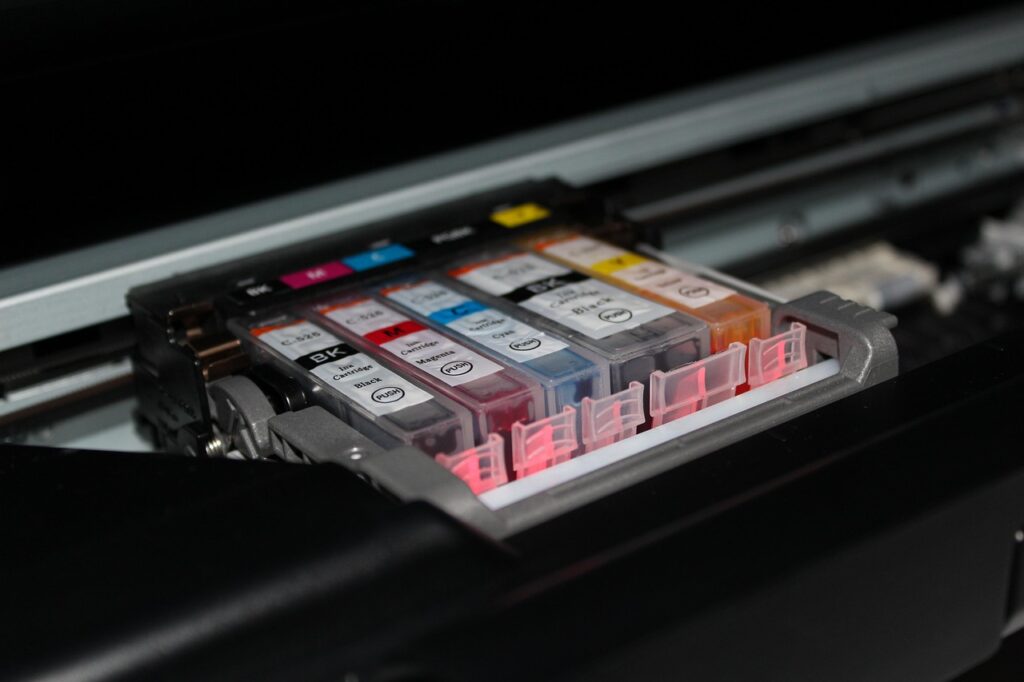
Start with compatibility before comparing price
HP printer ink cartridges are model-specific supplies, not accessories that can be swapped across any HP inkjet printer. Start by confirming the exact cartridge family your printer accepts. After that, compare yield, cartridge size, subscription options, and the reliability trade-offs between Original HP, remanufactured, refilled, and subscription cartridges. For more coverage of ink products and printing supplies, visit our Inks section.
The most common mistake is buying by color alone. A black HP cartridge with a similar shape may still have the wrong electrical contacts, chip, region, or ink formulation for a specific printer. HP support guidance commonly points users to the label inside the printer access door, the label on the current cartridge, the printer model name, or HP cartridge-finder tools. If you are buying for a shared office printer, record both the printer model and the cartridge number before ordering.
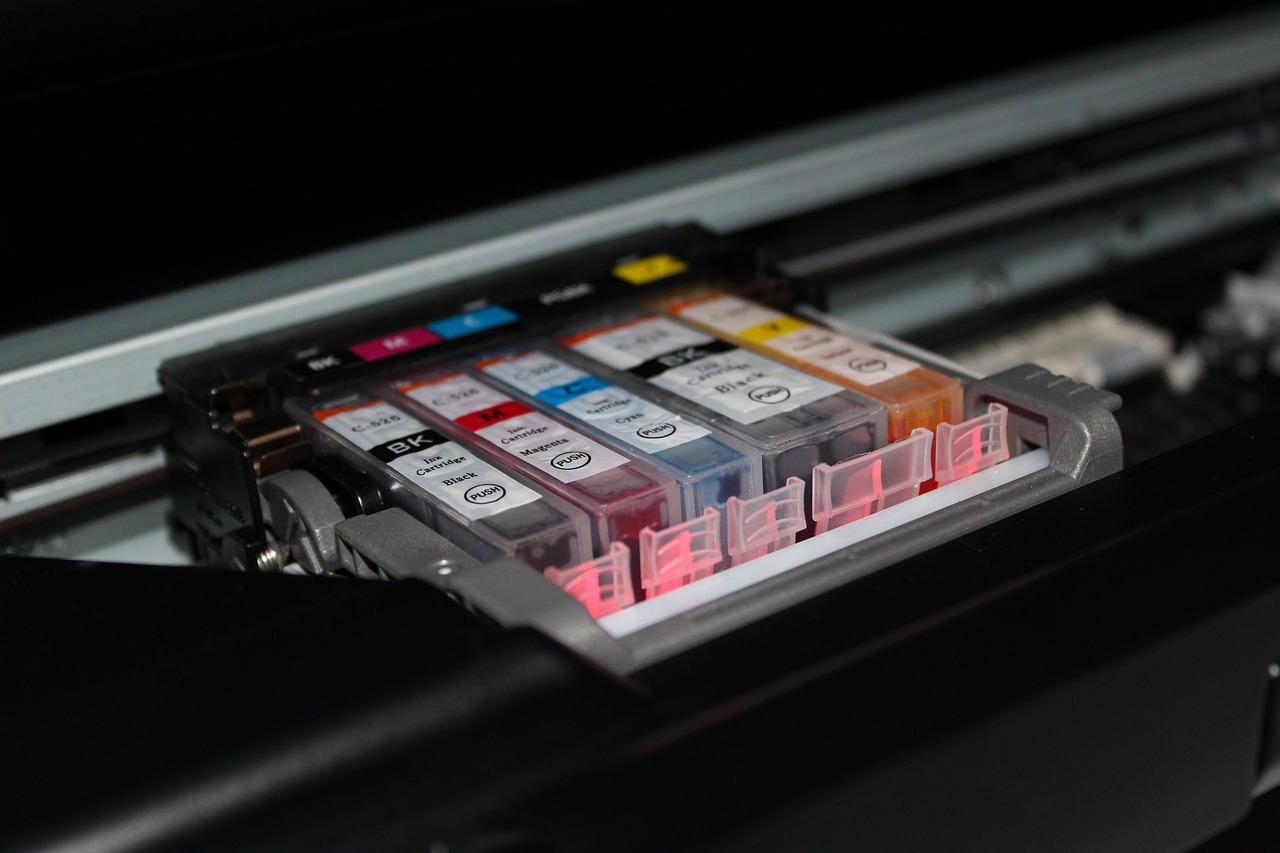
- Check the cartridge access door for the accepted ink number.
- Confirm the printer model, not just the printer series name.
- Match black, tri-color, cyan, magenta, yellow, or photo cartridges as required.
- Verify whether the printer accepts standard, XL, or high-yield cartridges.
- Be careful with cartridges bought for another region, even if the number looks similar.
Understand the main HP cartridge choices
Once compatibility is clear, the next decision is cartridge format. HP ink lines vary by printer family, but most home and office buyers compare four options: standard cartridges, XL or high-yield cartridges, multipacks, and subscription cartridges through HP Instant Ink. Each option fits a different printing pattern.
Standard cartridges
Standard cartridges usually cost less at checkout and make sense for light or irregular printing. They can also be suitable when a printer is old, seldom used, or close to replacement. The trade-off is lower page yield, so frequent users may need to replace them more often.
XL and high-yield cartridges
XL cartridges are designed to print more pages than the standard version in the same compatible cartridge family. They are often the better comparison point for students, home offices, and small teams that print regularly. However, XL is only a good value if the printer is used often enough to consume the ink before long storage, drying, or expiration becomes a concern.
Multipacks and color sets
Multipacks can simplify ordering and may reduce the per-cartridge purchase cost, but they are not always the best fit. A user who prints mostly documents may use black ink much faster than color. A user who prints many photos may run through one color more quickly than the others. Before buying a set, check whether your printer uses a tri-color cartridge or separate color cartridges. Separate cartridges can let you replace only the color that is empty, while a tri-color cartridge may need replacement when one internal color is depleted.
Instant Ink and subscription cartridges
HP Instant Ink is a page-based subscription model. Instead of buying retail cartridges whenever ink runs low, eligible users choose a monthly page plan, and ink is delivered as part of the service. HP describes its subscription cartridges as special cartridges for the service, so this option should be assessed separately from ordinary retail cartridge buying. It can work well for predictable monthly printing, but occasional users should compare the plan terms, rollover rules, cancellation terms, and overage charges before enrolling.
| Option | Best fit | Main caution |
|---|---|---|
| Standard cartridge | Light or occasional printing | Lower yield can mean more frequent replacement |
| XL or high-yield cartridge | Regular document or school printing | Only worthwhile if the ink is used within a reasonable time |
| Multipack | Users who consume colors at a balanced rate | May leave unused cartridges if one color is rarely needed |
| Subscription cartridge | Predictable monthly page volume | Plan terms matter as much as cartridge capacity |
Compare cost by expected page yield
The shelf price of a cartridge is not enough to judge value. A higher-priced XL cartridge may cost less per printed page if it delivers substantially more pages. The basic calculation is simple: divide the cartridge price by the stated page yield. That gives an estimated cost per page for comparison, not a guaranteed real-world cost.
HP product specification pages often describe page yield as an approximate average based on ISO/IEC 24711 or HP testing methodology, with actual yield varying by content and other factors. ISO/IEC 24711 is a standardized method for measuring ink cartridge yield for color inkjet printers and multifunction devices under defined conditions. That standardization helps buyers compare cartridges, but everyday printing can differ sharply from the test pattern. Full-page graphics, dense color documents, frequent cleaning cycles, long gaps between print jobs, and photo paper can all change the result.
For example, HP specification information for the HP 61 black cartridge lists about 170 black-and-white pages for the standard cartridge, while an HP 61XL black cartridge example lists about 430 pages. The exact numbers, compatible printers, and package details should always be checked on the current cartridge packaging or official product listing, but the comparison shows why yield matters more than the first price you see.
| Buying question | Why it matters |
|---|---|
| How many pages do you print monthly? | Higher volume usually favors XL or subscription options |
| Are pages mostly text or color-heavy? | Dense graphics and photos consume more ink than simple documents |
| Do you print weekly or only occasionally? | Irregular use can increase the risk of clogged nozzles or wasted ink |
| Is the printer used by several people? | Shared printers need clearer reorder rules and spare cartridge planning |
Original, remanufactured, refilled, and counterfeit cartridges
Original HP cartridges are made for specific HP printer families and are the least complicated choice for compatibility, warranty support, and troubleshooting. HP support pages also state that HP cannot guarantee the quality or reliability of non-HP or refilled cartridges. That does not mean every remanufactured or refilled cartridge will fail, but it does mean the buyer accepts more compatibility and consistency risk.
Remanufactured cartridges are previously used cartridges that have been cleaned, inspected, refilled, and prepared for resale. Refilled cartridges may be refilled by a shop, service provider, or user. Their appeal is usually lower upfront cost and reduced waste, but quality can vary by supplier, cartridge condition, ink formulation, and chip handling. If you use third-party cartridges, buy from a seller with clear compatibility listings, batch tracking, return policies, and customer support.
Counterfeit cartridges are a separate concern. They are sold as genuine when they are not. The risks can include poor print quality, leakage, inaccurate ink reporting, and difficulty resolving support issues. Packaging quality, security labels, unusually low pricing, and uncertain marketplace sellers are worth checking carefully.
Some HP printers also include dynamic security features. HP support language for dynamic-security-enabled printers says such printers are intended to be used with cartridges that have an HP original chip, and that cartridges using a non-HP chip may not work. This is a compatibility factor to check before buying third-party cartridges, especially for printers that receive firmware updates. See also: Gift Guide.
Install, store, and troubleshoot cartridges carefully
Ink cartridges are small, but they are precision supplies. Poor handling can cause many of the same symptoms as a defective cartridge. Keep cartridges sealed in their original packaging until installation. Store them away from heat, direct sunlight, and extreme humidity. Do not touch the copper-colored contacts, chip area, or ink nozzles, and remove protective tape only when you are ready to install.
During installation, match the cartridge color and number to the correct slot. HP troubleshooting guidance commonly lists status messages such as low, very low, empty, missing, incorrect, expired, reseat, replace, and non-HP. If a new cartridge is not recognized, start with the simple checks: confirm the cartridge number, check that protective tape was removed, reseat the cartridge, close the access door firmly, and restart the printer. If the printer reports an incorrect cartridge, do not force it into place.
Print quality problems do not always mean the cartridge is empty. Streaks, faded color, or missing lines can come from low ink, clogged nozzles, paper mismatch, long periods without printing, or printhead issues. Many HP inkjet printers include a cleaning or alignment function in the printer menu or software. Use those tools sparingly because cleaning cycles consume ink. If photo prints show marks, also check the paper path and avoid leaving specialty photo paper in the tray for long periods when it is not being used.
Recycle used cartridges responsibly
Used ink cartridges should not be treated like ordinary paper waste. HP describes Planet Partners as its return and recycling program for printing supplies and equipment, and says returned Original HP ink and LaserJet cartridges go through a multi-stage recycling process. Program availability varies by country or region, and HP notes that the cartridge program is intended for Original HP cartridges rather than non-HP or refilled cartridges.
For home users, the practical options are usually mail-back envelopes, shipping labels, or participating retail drop-off points where available. Offices with larger volumes should separate ink and toner, keep used cartridges from leaking, and assign one person or team to manage returns. If you use third-party cartridges, check the remanufacturer, refill provider, office supplier, or local recycling rules for accepted return channels.
A practical checklist before you buy
- Record the exact printer model and accepted cartridge number.
- Check whether the printer uses two cartridges, individual color cartridges, or photo cartridges.
- Compare standard and XL options by page yield, not only by shelf price.
- Estimate monthly pages before choosing retail cartridges or a subscription plan.
- Read the packaging for region, compatibility, and warranty details.
- Avoid unusually cheap listings that do not clearly identify the cartridge source.
- Keep one spare black cartridge only if you print often enough to use it.
- Plan recycling before cartridges pile up in drawers or supply cabinets.
The best HP ink choice is not the same for every printer owner. A light home user may be better served by standard cartridges bought only when needed. A student or remote worker may save time with XL cartridges. A small office with predictable page volume may prefer a subscription, while a cost-sensitive user may consider remanufactured supplies after checking compatibility risks. The key is to treat cartridge buying as a balance of fit, yield, reliability, and disposal, rather than a quick match of color and price.
Frequently asked questions
Can I use an XL cartridge instead of a standard HP cartridge?
Usually yes, but only when the XL cartridge belongs to the same compatible cartridge family for your printer. XL means higher yield, not universal fit. Always confirm the exact cartridge number supported by your printer model.
Why did my HP printer reject a new cartridge?
Common reasons include the wrong cartridge number, protective tape left on the cartridge, poor seating, a dirty contact area, regional mismatch, an expired cartridge, or a non-HP chip in a printer with dynamic security. Start by checking the cartridge label and reseating it carefully.
Are HP Instant Ink cartridges the same as retail cartridges?
No. HP describes Instant Ink as a subscription service with cartridges supplied for the plan. It should be evaluated as a service based on monthly pages, delivery, recycling, plan rules, and cancellation terms, not just as a normal cartridge purchase.
What does page yield mean on HP ink packaging?
Page yield is an estimated number of pages produced under defined test conditions. It is useful for comparing cartridges, especially standard versus XL versions, but it is not a promise that every user will print exactly that number of pages.
How should unused ink cartridges be stored?
Keep unused cartridges sealed in their original packaging until installation. Store them in a stable indoor environment away from heat, direct sun, and moisture. For best results, avoid buying more spare ink than you can reasonably use.


