Is a Notebook PC Better Than a Paper Notebook for Work and Study in 2026?
Is a Notebook PC the Right Daily Tool?
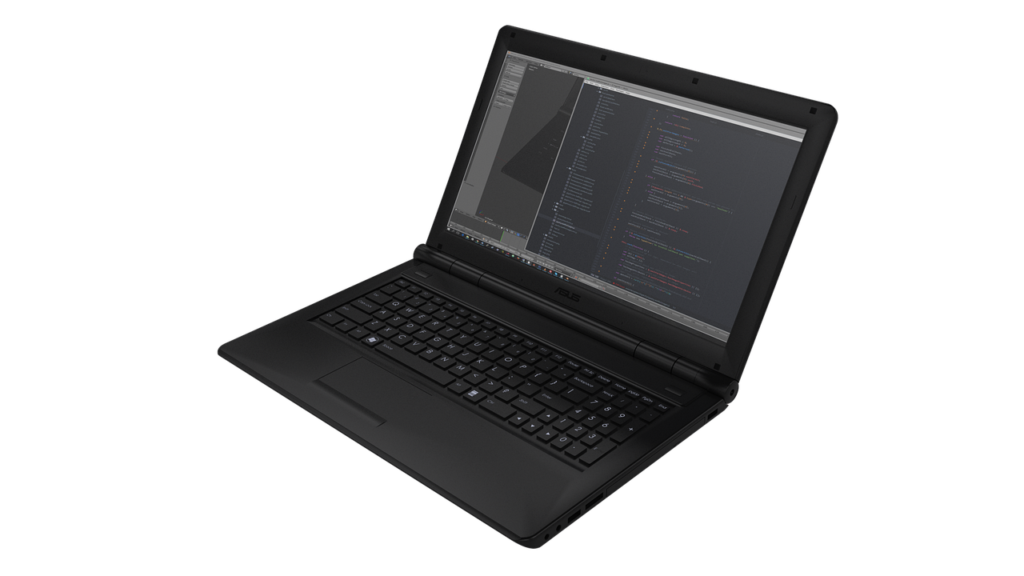
A notebook PC is no longer just a small computer people carry on trips. For many buyers, students, office teams, and resellers, it now works as the daily desk, meeting tool, study corner, and file cabinet in one device. Paper has not gone away, though. A pen and one of the paper notebooks on your desk can still handle some jobs faster than a screen. The point is not to choose one tool for every situation. It is to use each one where it fits your real work habits.
Market demand also explains why this question keeps coming up. IDC, in its Worldwide Quarterly Personal Computing Device Tracker update cited in February 2025, forecast global PC volume at 273 million units for 2025, up 3.7% year on year. Later, IDC’s Q1 2026 personal computing device outlook reported 103.3 million combined PC and tablet shipments in the first quarter of 2026. With that volume, buyers are not treating notebook PCs as optional extras. They are buying them as regular work and study tools.
Digital Workload Fit
If your day includes cloud files, video calls, spreadsheets, online classes, design drafts, or customer emails, a notebook PC fits the job well. You can edit, store, send, and search from the same machine. It also helps when work changes quickly, for example when you take meeting notes, open a price sheet, and send a PDF before lunch. Paper cannot move that kind of information as easily.
Paper Note Backup
Paper is still useful because it starts right away. There is no boot time, no password, and no low-battery warning. When you need a packing list, a phone message, or a rough sketch, paper is often the faster choice. Many people keep paper next to the laptop because each tool handles a different kind of moment.
Mixed Desk Habits
In daily work, the best setup is often a mix. Use the notebook PC for files you need to search, send, update, or share. Use paper for rough thinking, quick reminders, and short plans. This may sound old fashioned, but it saves time in classrooms, sales offices, stock rooms, and home study spaces.
What Makes a Notebook PC Different From a Desktop?
A notebook PC puts the main parts of a desktop into one portable body. That changes how you buy it, use it, and look after it. A desktop may give stronger cooling and easier repairs, but a notebook PC can move from a warehouse table to a hotel room, classroom, or home desk without carrying cables and monitors around every time.
Portable Hardware in One Shell
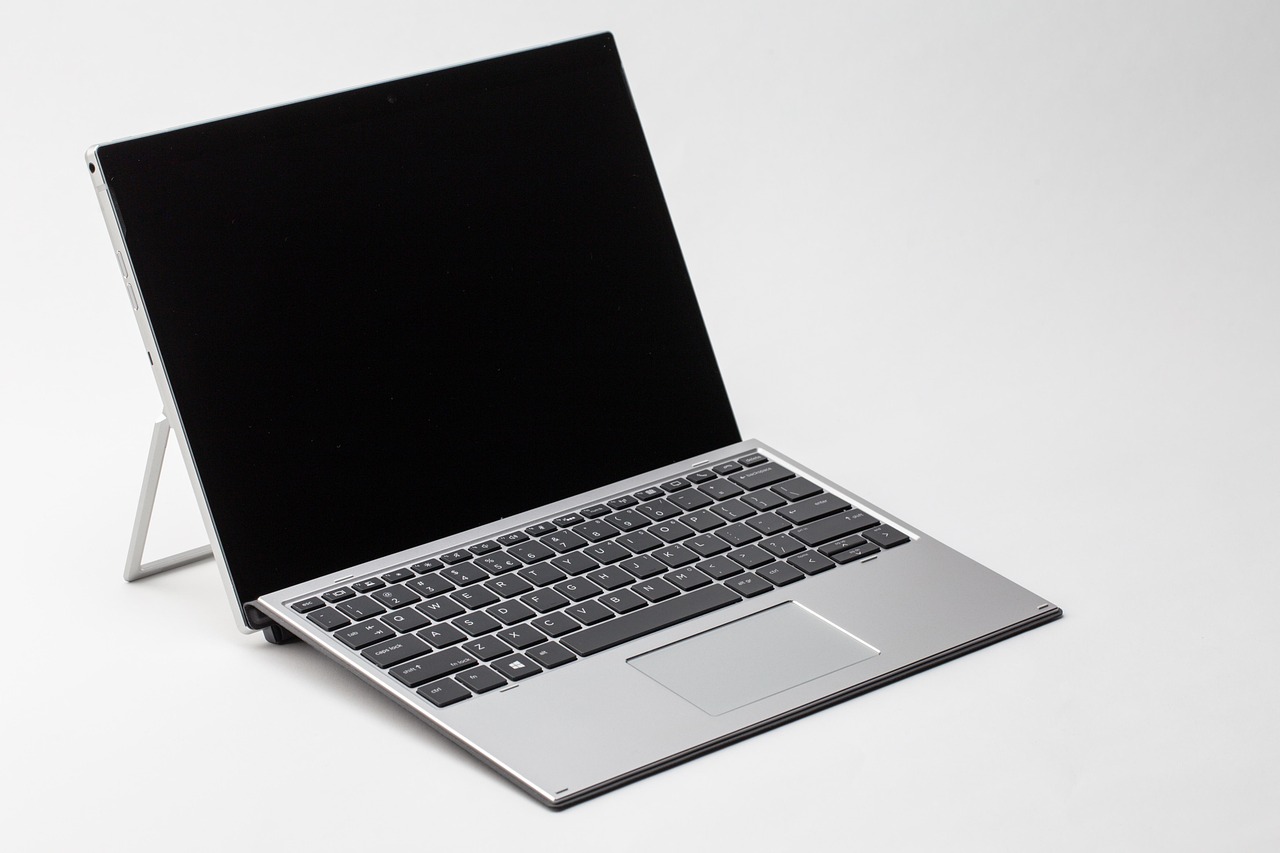
A notebook PC combines screen, keyboard, touchpad, speakers, camera, battery, processor, memory, and storage in one unit. That is convenient for people who move between places during the day. It also means one weak part can affect the whole machine. A poor keyboard or a dim screen can make even a fast processor feel hard to use in normal office work.
Battery Life and Power Settings
Battery life matters more than the number printed on the box. Real use depends on screen brightness, browser tabs, video calls, and background apps. The U.S. Department of Energy’s FEMP guidance notes that keeping power saving mode enabled can reduce computer energy use by up to 27% annually. For users who work away from a fixed desk, that also means fewer charging worries during the day.
Screen, Keyboard, and Ports
For study and office work, a 14-inch or 15.6-inch screen is a common choice. The keyboard should feel steady and have enough key travel for long typing. Ports still matter as well. If you use projectors, barcode scanners, USB drives, or wired mice, do not buy only by thinness, because a very thin device with too few ports can quickly turn into a bag full of adapters.
When Does a Notebook PC Beat Paper Notes?
A notebook PC is better when information needs to move, change, and be found again. Paper feels easy at the moment, but digital files are easier to reuse. For trade companies, schools, and remote workers, that difference can save time almost every day.
Searchable Class and Meeting Files
Typing notes on a notebook PC lets you search by keyword later. That helps when you need one supplier name from a meeting three weeks ago or one formula from a class slide. Paper notes can be scanned, of course. Even then, scanned pages are usually slower to work with than clean typed files.
Fast Sharing Across Teams
If you need to share minutes, order details, class files, or project updates, a notebook PC is usually the easier tool. Notes can become an email, a spreadsheet, a slide deck, or a shared document without rewriting everything. In a small export office, for example, one product change can reach sales, purchasing, and packing staff quickly. That kind of flow is hard to manage with paper alone.
Heavy Writing With Light Carry
For long writing tasks, a notebook PC reduces the need to carry several books, folders, and printed drafts. A student can keep essays, research, lecture notes, and reading files in one bag. A buyer can keep supplier catalogs and comparison sheets ready without printing every update. Less paper in the bag may look like a small point, but it matters when you carry it every day.
When Does Paper Still Feel Better Than a Notebook PC?
Paper is not only about habit. It has clear strengths in focus, speed, and simple visual thinking. A notebook PC can do more, but more functions are not always better. Sometimes the better tool is the one with no pop-ups, tabs, or charging cable.
Quick Sketches and Quiet Rooms
Paper works well for fast shapes, arrows, rough floor plans, packing layouts, and small product ideas. You can mark an idea without opening software or choosing a tool. In quiet classrooms or meetings, paper also feels less distracting than typing. A soft pen on paper does not change the mood of the room.
Lower Distraction During Planning
A notebook PC can pull attention away from the task with messages, feeds, updates, and open browser tabs. Paper keeps the work area narrow. For daily planning, many people still write three to five key tasks by hand because it feels direct. It is not fancy, but it works.
Simple Tools With No Charging
Paper has no battery cycle, software update, charger type, or broken hinge. That makes it useful in field work, warehouse checks, school bags, and travel. If the note is short and temporary, paper may be faster even when a notebook PC is nearby. It also gives you a backup when the device is charging or packed away. See also: Gift Guide.
How Should You Choose a Notebook PC for Buying or Bulk Sourcing?
Buying one notebook PC for personal use is different from buying many units for a school, office, store, or reseller order. You need enough performance, but that is only part of the job. Stock stability, warranty terms, safe packaging, and a model that users can learn quickly all matter in bulk sourcing.
Processor, Memory, and Storage
For general work and study, start with a current mid-range processor, at least 16 GB of memory when the budget allows, and solid-state storage. A 512 GB SSD is a safe daily choice for many users. If the buyer group only uses cloud apps, 256 GB may work, but it gives less room for offline files. It is better to check actual user habits before cutting storage too far.
- Choose 16 GB memory for multitasking, video calls, and longer service life.
- Choose SSD storage over old-style hard drives for faster startup and file access.
- Check whether memory or storage can be upgraded later, especially for office fleets.
Keyboard Comfort and Build Quality
Specs help sell the device, but the keyboard is what people notice after purchase. Look for a firm keyboard deck, clear key labels, a responsive touchpad, and hinges that do not wobble. If the notebook PC will be used by students or mobile staff, a stronger chassis may be worth more than a small processor upgrade. A machine that feels solid usually gets fewer complaints from daily users.
Warranty, Packaging, and Stock Timing
For bulk sourcing, warranty and packaging are not small details. Ask about service coverage, spare adapters, carton strength, and lead time before you confirm the order. IDC’s 2026 outlook also warned that PC average selling prices were expected to rise 18.3% in 2026 as memory supply tightened. The simple lesson is this: do not wait until the week before a school term or office rollout to check stock.
What Costs and Sustainability Details Should You Check?
The price tag is only the first cost. A notebook PC uses electricity, needs care, and becomes e-waste at the end of its life. Paper notebooks also use raw materials and packaging. A fair comparison should include purchase price, daily use, replacement, and disposal.
Real Energy Use at the Desk
Energy cost depends on local rates and user habits. The U.S. Energy Information Administration reported the U.S. annual average retail electricity price at about 13.63 cents per kilowatt-hour in 2025. For one notebook PC, the bill is usually not high, but fleets can add up. Sleep settings, screen brightness, and turning devices off after work still make a difference.
E-Waste Risk After Replacement
Electronic waste is a real end-of-life issue. The Global E-waste Monitor 2024 reported that 62 billion kg of e-waste was generated worldwide in 2022, while only 22.3% was formally collected and recycled in an environmentally sound way. That does not mean buyers should avoid notebook PCs. It means they should choose models that last, repair what can be repaired, and use proper take-back or recycling channels.
Paper Sourcing and Recycling
Paper has a different footprint. The U.S. EPA reported a 68.2% recycling rate for paper and paperboard in municipal solid waste in 2018, the highest among major material groups it tracked. Even so, a paper notebook works best when it is used fully, stored well, and recycled where local programs accept it. Half-used notebooks left in drawers are not a good use of material either.
FAQ
Q1: Is a Notebook PC Better Than a Laptop? A: In everyday English, many people use notebook PC and laptop to mean the same thing. Some sellers use notebook PC for thinner, portable models, but the buying checks are similar: screen, battery, keyboard, performance, warranty, and ports.
Q2: Can a Notebook PC Replace Paper Notebooks Completely? A: It can replace many paper tasks, especially long writing, file storage, and shared work. Still, paper is better for quick notes, simple sketches, and low-distraction planning. Most users get better results with both.
Q3: What Size Notebook PC Is Best for Students? A: A 13-inch or 14-inch model is easy to carry, while a 15.6-inch model gives more screen space. For students who type a lot, keyboard comfort and battery life may matter more than a very large display.
Q4: How Much Memory Should a Work Notebook PC Have? A: For common office, study, browser, and video meeting tasks, 16 GB is a strong target in 2026. Basic users can manage with less, but memory needs tend to grow as software updates over time.
Q5: What Should Bulk Buyers Check Before Ordering Notebook PCs? A: Check warranty terms, keyboard layout, adapter type, packaging strength, delivery schedule, stock stability, and after-sales service. A slightly better service plan can save more trouble than a small discount on the unit price.