
Is an Inktank Printer Worth It for Office, School, and Home Printing?
Why Is an Inktank Printer a Smart Choice for Everyday Printing?
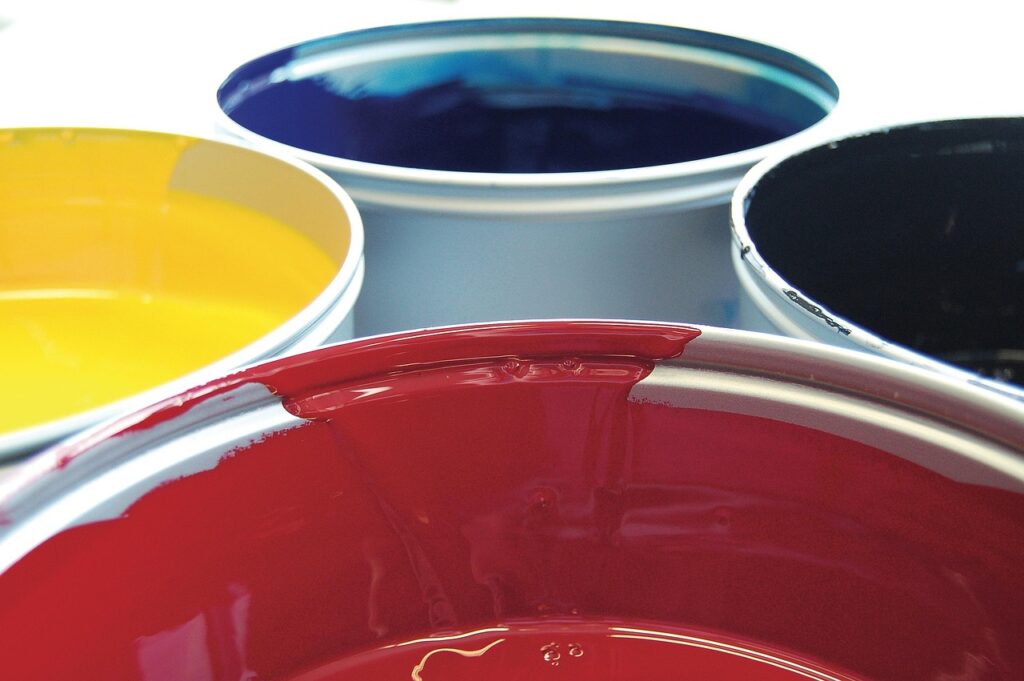
An inktank printer is made for users who print enough to get tired of small cartridges. You fill larger tanks from bottles instead of replacing sealed cartridges again and again. If you also buy bottled ink, refill items, or office consumables, the Inks category is a useful place to manage stock. Some suppliers write the name as ink tank printer, but the buying point is the same. Do not judge only by the printer price on the shelf; look at the full printing routine.
Lower Ink Cost per Printed Page
The main reason buyers move to tank models is ink cost. One bottle normally carries much more ink than a standard cartridge, so the ink cost on each page can be much lower. Here is a simple check. If a black bottle costs 15 dollars and the stated yield is 6,000 pages, the ink part is about 0.25 cents per page before tax, paper, cleaning cycles, and wasted prints. This is not a fixed result for every printer. It is a quick way to compare models before ordering.
Cleaner Refills for Busy Desks
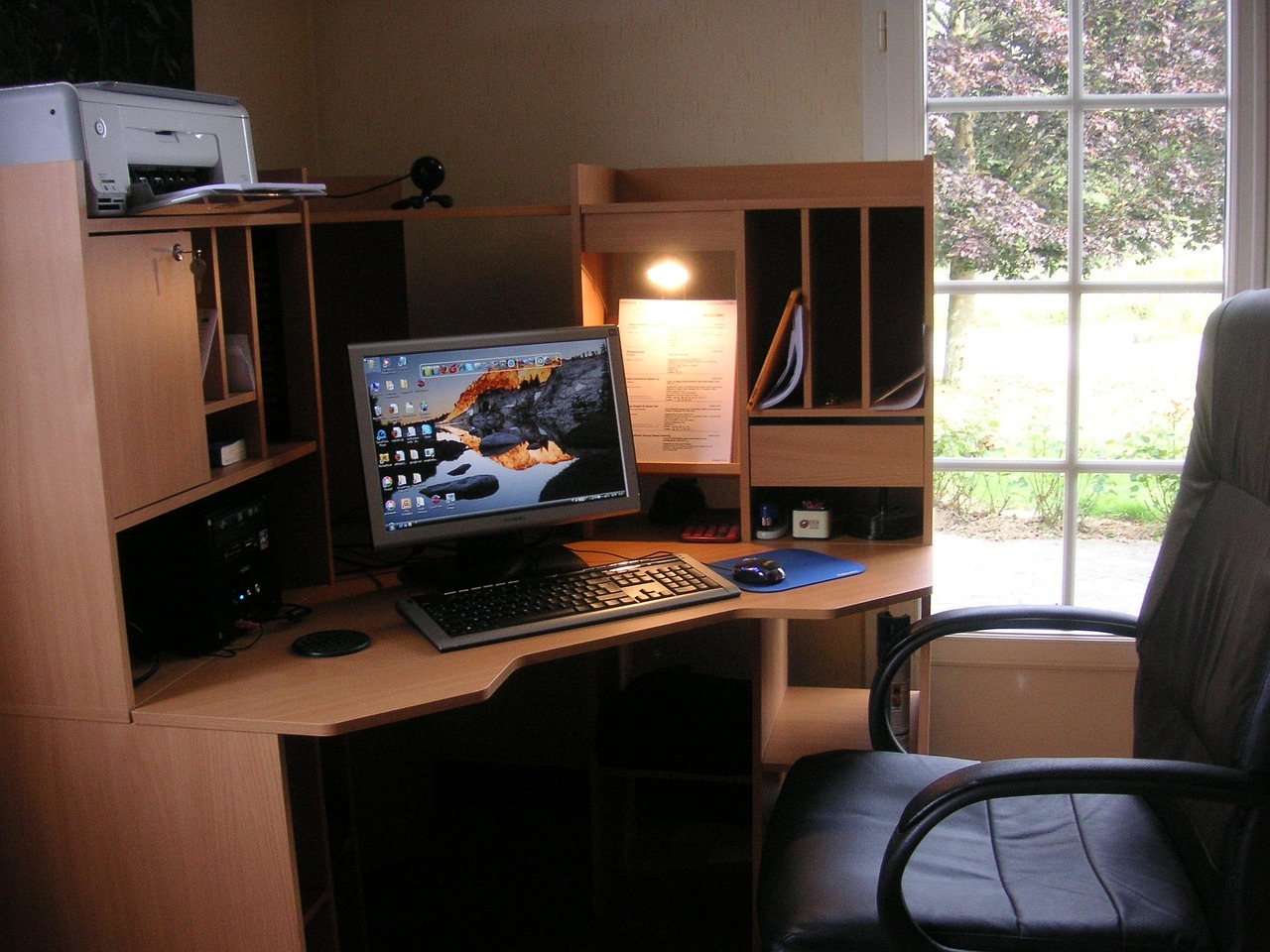
New tank printers are not like the old refill kits that often left ink on hands and desks. Many current bottles use keyed tips, stop valves, or color-specific bottle shapes, so the refill process is easier to control. Even so, do not refill right beside contracts, invoices, or customer samples. Put scrap paper under the printer, close the cap slowly, and do the refill before the job becomes urgent. A few careful steps can save a shirt, a stack of documents, and an awkward clean-up at the meeting table.
Better Fit for Mixed Home and Office Tasks
A tank printer works well for mixed printing work such as homework, invoices, packing slips, training sheets, forms, and color charts. It is not the best match if you only print one return label from time to time. Inkjet printers prefer regular use because idle nozzles may dry. For a home, small office, school room, or stationery counter with steady printing, the tank design makes daily work less dependent on refill warnings.
How Does an Inktank Printer Compare With Cartridge Printers?
The tank versus cartridge question is not about one type being better in every case. It depends on page volume, storage, waiting time, and how the budget is handled. Cartridge printers often have a lower first price. Tank printers usually cost more at purchase, then try to recover that cost through lower refill expense.
Tanks Hold More Ink From the Start
Most tank printers come with enough ink for a large first batch of printing. That helps when a new office opens, a school prepares course packs, or a small seller prints packing notes every day. Nobody wants the first month to turn into a search for one missing cyan cartridge. With larger tanks, color jobs are also easier to plan because the ink level is visible at a glance.
Cartridges Can Suit Light Users
Cartridges still have a place for light users. If you print ten pages a month, a lower-cost cartridge printer may be enough, especially when desk space is limited. The problem can come later when replacement cartridges cost more than expected. Some cheap printers are cheap because the ink plan is costly. Before buying, check replacement yield and local ink price, not only the sale label on the box.
Page Yield Claims Need Careful Reading
ISO/IEC 24711:2021, published by the International Organization for Standardization and the International Electrotechnical Commission, gives a method for measuring color inkjet cartridge yield with a standard consumer test page suite. The practical point is simple: the stated yield is based on controlled test pages. Full-page menus, dense charts, children’s art, and photo paper can use much more ink. Source and time note: ISO/IEC 24711:2021 remained the current cited standard in public ISO material reviewed in July 2026.
What Print Quality Should You Expect From an Inktank Printer?
Print quality depends on the printer engine, ink type, paper, and driver setting. The tank itself does not make a printer professional; it only changes the ink supply method. Start with the output you print most often. Do not judge only by one glossy sample photo in a brochure.
Sharp Text for Everyday Documents
For invoices, worksheets, letters, and forms, many tank printers can produce clean black text at normal office speed. Pigment black ink, when the model offers it, usually gives firmer text edges and better smudge resistance on plain paper. Dye black can look deep, but it may soak more into low-cost copy paper. If most of your work is text, check whether the model uses pigment black and whether duplex printing keeps both sides easy to read.
Color Output Depends on Paper and Settings
Color printing is where buyers often expect too much from plain paper. A chart printed on standard 20 lb copy paper will not look like a retail poster. Paper absorbs ink, reduces color strength, and may curl when coverage is heavy. For flyers, use proper inkjet paper and choose a quality setting that fits the job. Draft mode saves ink for internal notes, but it can make logos look weak. A washed-out bakery menu still looks bad, even if the cupcakes are good.
Photo Printing Needs More Care
Some tank printers print photos well, especially models with extra photo colors. Other models are built mainly for documents, so photo output may be only average. If photos are important, check borderless printing, supported photo paper sizes, and the number of ink colors. Also read fade resistance claims from the printer brand, but treat them as lab results. Sunlight, humidity, frames, and paper choice can change the real result.
Which Running Costs Matter Beyond the Ink Bottle?
Ink price gets most of the attention, but the real cost per page also includes paper, power, maintenance, failed prints, and staff time. A page is not really cheap if it needs to be printed twice because the paper jammed or the color setting was wrong.
Paper Use Changes the Real Bill
Paper can cost more than ink on simple black text pages. Double-sided printing reduces paper use, filing space, and shipping weight for printed packets. The U.S. ENERGY STAR imaging equipment program says certified printers and multifunction devices must include certain efficiency features, and it notes automatic duplexing as part of the product criteria for many devices. Source and time note: ENERGY STAR public imaging equipment guidance reviewed in July 2026 states certified imaging equipment can save up to 35 percent of energy compared with conventional equipment.
Energy Use Stays Small but Measurable
A printer is usually not the largest power user in an office, but sleep mode still matters. ENERGY STAR guidance puts focus on low-power modes because printers spend many hours waiting. If the printer sits in a shared room all day, check the sleep settings after setup. Some teams switch them off because wake-up feels slow, then forget the machine stays fully awake for months.
Maintenance Can Waste Ink
Inkjet printers use ink to clean printheads. That is normal, and it should be allowed for in the running cost. The waste becomes obvious when a printer sits idle, needs repeated deep cleaning, or stays in a hot dry area. A small weekly test print can cost less than a long recovery process later. If a nozzle check fails, run light cleaning first. Repeating the strongest cleaning cycle often wastes ink and may fill the maintenance box sooner. See also: Gift Guide.
How Should You Choose an Inktank Printer for School, Office, or Retail Use?
The right model should fit the way the site prints every day. A school office may print permission slips in batches. A retail counter may print tags and invoices in short runs. A home user may move between tax forms, recipes, and science fair pages. These are all in the same printer category, but the working needs are not the same.
Monthly Print Volume Comes First
Start with an honest monthly page count. If you print under 50 pages a month, a tank printer may be more than you need. At a few hundred pages a month, the refill system starts to make better sense. If the volume is higher, check duty cycle, paper tray capacity, and replacement maintenance parts. Do not buy only by the advertised maximum pages per month. The normal recommended volume is usually a better sign of daily comfort.
Connectivity Should Match Daily Habits
Wi-Fi is useful, but Ethernet can be more stable in offices with many users. USB still works well for a reception desk or shipping station where one computer handles the printing. Mobile printing matters when staff print from phones or tablets. Before purchase, check compatibility with your operating system and the software you actually use. It sounds basic, but driver trouble can waste more time than most ink issues.
Paper Handling Saves Small Delays
Paper trays, rear feeds, and automatic document feeders look ordinary until they start holding up the workday. If you print envelopes, labels, cardstock, or glossy sheets, confirm the supported paper weight and feed path before buying. For scanning, an automatic document feeder can save a lot of hand work. For two-sided reports, automatic duplex printing is worth having. The EPEAT imaging equipment criteria, reviewed publicly in July 2026, include items such as default automatic duplex printing, auto standby capability, and take-back service for consumables such as ink and toner cartridges.
How Can You Keep an Inktank Printer Working Longer?
A tank printer performs best with steady, careful use. It does not need special treatment, but it does not like being ignored for long periods. The basic rules are simple: print regularly, use suitable ink, and keep the machine away from heat, dust, and rough handling.
Weekly Printing Prevents Dry Nozzles
Print one small page each week with black and color blocks. This keeps ink moving through the nozzles and helps prevent drying. If the printer will sit unused for weeks, follow the brand’s storage steps. Do not unplug it every night unless the manual says it is fine. Many printers need power for scheduled maintenance and safe printhead parking.
Genuine or Compatible Ink Needs Traceability
Genuine ink usually gives the safest match for color, flow, and warranty terms. Compatible bottled ink can also work, but it should come from a supplier with clear labeling, batch control, and printer model fit. Random unlabeled ink is a bad risk. A blocked printhead can cost far more than the small saving on one bottle.
Storage Conditions Affect Color and Flow
Store ink bottles capped, upright, and away from direct sun. Keep them out of freezing rooms and away from hot windowsills. Shake only if the label tells you to. For most standard dye or pigment inks, hard shaking adds bubbles, and bubbles do not help smooth printing. Also wipe dust from the refill area before opening a tank cap.
FAQ
Q1: Is an Inktank Printer Good for Low Volume Printing? A: It can work, but it is usually a better fit for steady use. If you print only a few pages each month, the higher first price and possible nozzle drying may not be worth it.
Q2: Does an Inktank Printer Save Money on Every Page? A: Not on every page. Ink cost is often lower, but the real cost also includes paper, cleaning cycles, maintenance boxes, failed prints, and the original printer price.
Q3: Can You Use Any Bottled Ink in a Tank Printer? A: No. Use ink made for the printer model or a clearly matched compatible product. Wrong ink can lead to poor color, clogs, leaks, or warranty problems.
Q4: How Often Should You Print to Keep the Printer Healthy? A: A small weekly print with black and color areas is a sensible habit for many inkjet tank printers. Follow the manual if the brand gives a different schedule.
Q5: Is an Inktank Printer Better Than a Laser Printer? A: It depends on the job. A tank inkjet is strong for low ink cost and flexible color printing. A laser printer can be better for fast black text, heavy office batches, and long idle periods.


