HP Pavilion notebook buying guide and model changes explained

What the search means now
If you are searching for an HP Pavilion notebook in 2026, you are likely looking for a practical Windows laptop for school, home office work, browsing, video calls, or light creative tasks. The key point is that the Pavilion name no longer gives the full picture. According to HP’s May 20, 2024 brand update, HP began unifying much of its consumer PC portfolio under the OmniBook name, while keeping OMEN for gaming and EliteBook or ProBook for commercial users. As of October 2026, Pavilion models may still appear as remaining retail stock, refurbished units, regional listings, or support pages, while comparable newer consumer models are often sold as OmniBook.
That does not make older Pavilion notebooks irrelevant. It does mean buyers should compare the exact configuration instead of relying on the brand label. Processor generation, memory, display quality, ports, battery condition, and warranty status matter more than whether the lid says Pavilion, Pavilion Plus, or OmniBook.
Why the Pavilion name changed
HP’s public brand update described a simpler structure for the AI PC era. Consumer laptops use the OmniBook name, while HP uses number tiers and modifiers to separate everyday, higher-performance, convertible, and premium designs. HP also explained that odd numbers are used for consumer PC tiers, with higher numbers generally indicating a stronger mix of design, features, and performance. In practical shopping terms, someone who previously searched for a Pavilion or Pavilion Plus may now see an OmniBook 5, OmniBook 7, OmniBook X, or OmniBook Ultra instead.
The result is straightforward: the Pavilion name is still useful for support searches, used listings, and leftover inventory, but it is less reliable as a current shopping category. HP’s own store pages have shown Pavilion Plus as evolved into OmniBook 7, while Pavilion 16 has been positioned as part of the OmniBook 5 transition. Availability still varies by country, retailer, and configuration, so the safest approach is to identify the exact product number and then compare specifications.
How the Pavilion families usually differ
The Pavilion line has covered several types of notebook computer over the years. Some models were basic everyday laptops, some were convertible touchscreen designs, and Pavilion Plus models usually sat higher in the range with better displays or stronger processors. The table below summarizes the buying intent behind common Pavilion-related searches.
| Model or search term | Typical meaning | What to check before buying |
|---|---|---|
| HP Pavilion 14, 15, or 16 | Mainstream laptop for study, home office, streaming, and daily multitasking | Screen resolution, RAM amount, SSD size, battery capacity, and whether RAM is soldered |
| HP Pavilion Plus | A higher-positioned Pavilion with better display and performance options | OLED or IPS panel, processor class, cooling expectations, and price against OmniBook 7 |
| HP Pavilion x360 | Convertible notebook with a 360-degree hinge and touchscreen | Hinge condition, pen support, display brightness, weight, and battery health |
| HP Pavilion Gaming | Older value gaming category in some markets | GPU model, thermals, battery age, and whether a newer Victus or OMEN is better value |
| OmniBook 5 or 7 | Current successor-style shopping path for many Pavilion buyers | NPU capability, display option, port selection, warranty, and regional configuration |
Specifications that matter more than the name
Processor and AI features
For everyday use, a recent Intel Core, Intel Core Ultra, AMD Ryzen, or AMD Ryzen AI processor is usually sufficient. The processor choice becomes more important if you edit photos, work with large spreadsheets, keep many browser tabs open, or use local AI features. HP’s current AI PC messaging focuses on systems with neural processing units, or NPUs, because these chips can accelerate supported AI workloads more efficiently than relying only on the CPU or GPU.
For example, one HP Pavilion 16 configuration listed by HP used an Intel Core Ultra 7 155U processor, integrated Intel graphics, 16 GB of LPDDR5x memory, and a 512 GB PCIe NVMe SSD. That same HP Store listing marked the model as discontinued, so it should be treated as a specification snapshot, not as proof of current availability. HP support material for the Pavilion 16-ag0000 series also listed AMD Ryzen 7 8840U and Ryzen 5 8540U processor options for a March 2024 family, with maximum supported memory shown as 16 GB.
Memory and storage
For a new or refurbished HP Pavilion notebook, 16 GB of RAM is the more comfortable baseline for Windows 11 if the laptop needs to last several years. Eight gigabytes can still handle basic browsing, document editing, and video streaming, but it leaves less headroom for heavy browser sessions, creative software, or future updates. Many thin laptops use onboard memory, so do not assume that RAM can be upgraded later.
For storage, 512 GB is a practical starting point. A 256 GB SSD can work for cloud-focused users, but it fills quickly with photos, offline videos, games, and school files. If you are buying used, confirm whether the SSD is replaceable and whether opening the device affects any remaining warranty.
Display quality
Display specifications are often the biggest hidden difference between two Pavilion listings that look similar. A 16-inch 1920 x 1200 panel gives more vertical workspace than the older 16:9 full HD layout, which helps with documents, spreadsheets, and browser tabs. HP has listed Pavilion 16 configurations with 300-nit IPS displays and 62.5 percent sRGB color coverage. That is acceptable for general work, but it is not ideal for color-critical photo editing. Pavilion Plus and OmniBook 7-style options may offer higher-resolution or OLED displays, depending on configuration.
Ports, webcam, and daily usability
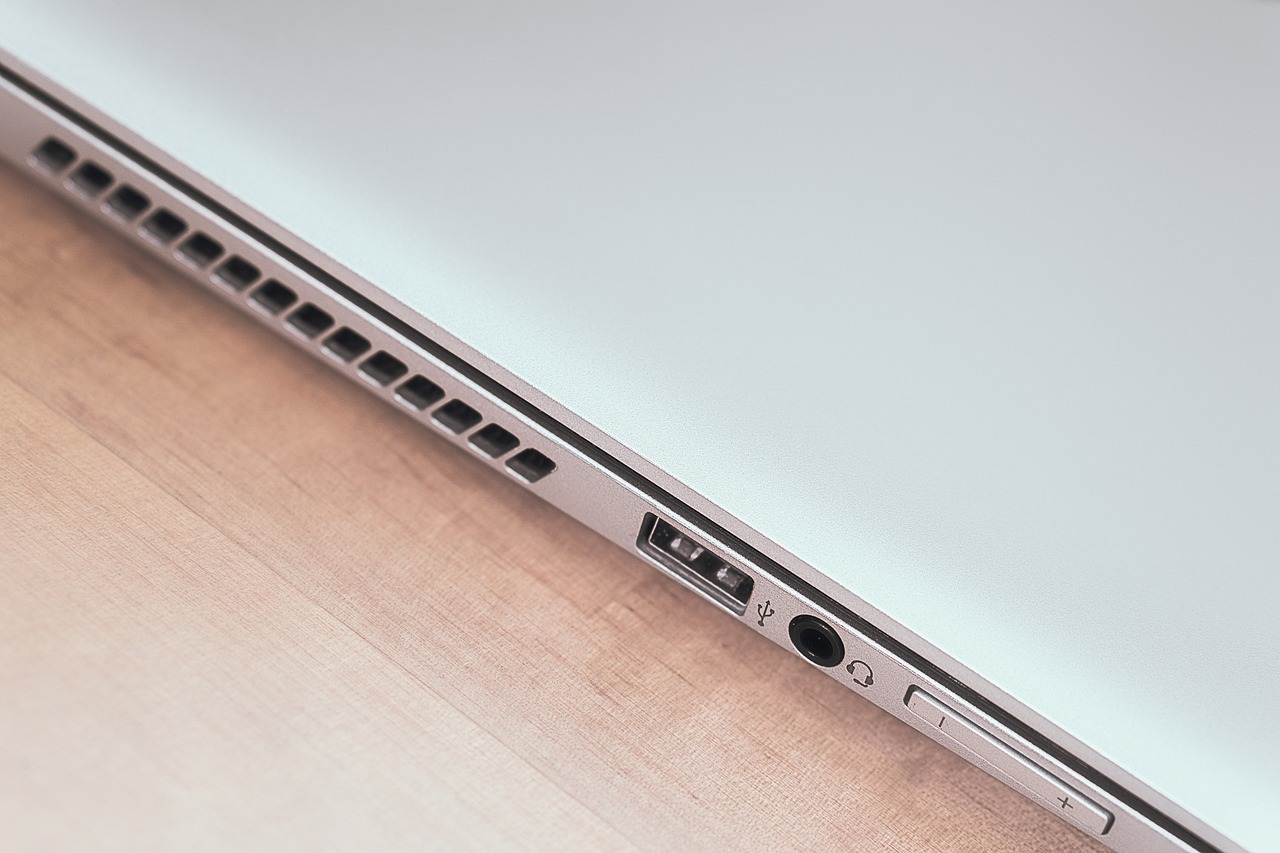
A good everyday notebook should not require a dock for every basic task. Look for USB-C with charging support, at least one USB-A port for older accessories, HDMI if you connect to monitors or classroom projectors, Wi-Fi 6E or newer where available, and a headphone jack if you still use wired audio. HP has listed Pavilion 16 configurations with two USB-C ports, USB-A ports, HDMI-out, Wi-Fi 6E, Bluetooth 5.3, a 1080p IR camera, a camera privacy shutter, and a backlit keyboard with a numeric keypad. Those are useful everyday features, especially for students and hybrid workers.
When an HP Pavilion notebook still makes sense
A Pavilion notebook can still be a good buy when the price is meaningfully lower than a comparable new OmniBook, the warranty or return policy is clear, and the specifications meet current expectations. It is best suited to users who need a dependable laptop for writing, research, online classes, spreadsheets, streaming, email, and video meetings. If you are comparing broader notebook options, see our notebook buying guides for more practical comparison topics.
Consider a Pavilion if the unit has at least 16 GB of RAM, a 512 GB SSD, a full HD or better display, a healthy battery, and a recent processor. Be more cautious if the model has only 4 GB or 8 GB of non-upgradable memory, a low-brightness display, no USB-C charging, visible hinge wear, missing charger details, or a seller that cannot provide the exact product number. See also: Gift Guide.
A Pavilion is not the right first choice for every buyer. Heavy gamers should compare Victus or OMEN systems with dedicated graphics. Professional video editors and color-focused creators should look for better display color coverage and stronger sustained performance. Business buyers who need fleet management, stronger service options, or enterprise security may be better served by ProBook or EliteBook models.
Used and refurbished buying checklist
The used market is where Pavilion notebooks can offer strong value, but vague listings create risk. A listing that says only HP Pavilion i7 or HP Pavilion 16GB is incomplete. Ask for the product number, processor model, memory type, SSD capacity, screen resolution, battery report, charger wattage, and warranty status. Product numbers matter because two laptops with similar names may have different displays, wireless cards, keyboards, and memory layouts.
- Confirm the exact product number before comparing prices.
- Check whether the laptop officially supports Windows 11 and current drivers.
- Ask for a battery health report, not just a claim that the battery is good.
- Inspect hinge movement, screen corners, keyboard wear, and USB-C port tightness.
- Compare the final price against a new OmniBook 5 or 7 with warranty.
- Avoid listings that hide display resolution, RAM amount, or SSD size.
- For x360 models, test the touchscreen and hinge in laptop, tent, and tablet positions.
Pavilion vs OmniBook shopping map
If you are trying to translate an older Pavilion search into HP’s newer naming structure, start with the use case. A standard Pavilion 16 shopper should compare current OmniBook 5 configurations first, because that tier is aimed at balanced everyday use. A Pavilion Plus shopper should compare OmniBook 7, especially if the priority is a better display, stronger multitasking, or a more premium design. A Pavilion x360 shopper should look for OmniBook Flip configurations or other HP 2-in-1 models, while a Pavilion Gaming shopper should compare Victus and OMEN instead of standard consumer notebooks.
This mapping is not perfect because HP’s regional catalogs and retailer inventories change. Use it as a starting point, not as a rule. The exact processor, memory, display, and warranty still decide whether a laptop is a good buy.
Frequently asked questions
Is the HP Pavilion notebook discontinued?
HP has moved much of its consumer laptop branding toward OmniBook, and some Pavilion product pages now point shoppers to OmniBook models. However, Pavilion notebooks can still appear through support pages, regional listings, retailers, refurbished sellers, and remaining inventory. Treat the exact product number and warranty status as more important than the name alone.
Is an HP Pavilion notebook good for students?
Yes, a well-configured Pavilion can be a good student laptop for documents, research, online classes, presentations, and streaming. Look for 16 GB of RAM, a 512 GB SSD, a comfortable keyboard, a 1080p webcam if possible, and enough battery life for a school day. Avoid older low-memory models unless the price is very low and the workload is basic.
What is the difference between Pavilion and Pavilion Plus?
Pavilion Plus usually represented a step up from standard Pavilion models, often with better display options, stronger processors, or a more premium feel. In HP’s newer lineup, Pavilion Plus shoppers are often directed toward OmniBook 7-style options, while standard Pavilion buyers may find closer matches in OmniBook 5.
Should I buy a refurbished Pavilion or a new OmniBook?
Choose a refurbished Pavilion only if the price gap is large, the seller offers a clear return policy, the battery is healthy, and the specifications meet your needs. Choose a new OmniBook if you want a current warranty, newer AI PC features, fresher battery life, and easier access to current configurations.
Can an HP Pavilion notebook be used for gaming?
It depends on the model. Standard Pavilion notebooks with integrated graphics are suitable for casual and older games at modest settings, not demanding modern titles. If gaming is a priority, compare HP Victus or OMEN models with dedicated graphics before buying a Pavilion.